When to disconnect
You disconnect a wallet when:
- The wallet account at the provider is closed or deactivated
- You moved everything to cold storage and won't use this wallet anymore
- You want to stop auto-sync (e.g., during a long reconciliation)
- You're switching to a different provider for the same kind of operations
- The provider rotated credentials and reconnecting fresh is easier than re-authing
Disconnecting doesn't delete the wallet. The wallet stays in BitBooks with all its transaction history. Only the live connection ends.
How to disconnect
- Click Wallets in the sidebar
- Click the wallet to open its detail page
- Look for Disconnect in the toolbar or menu
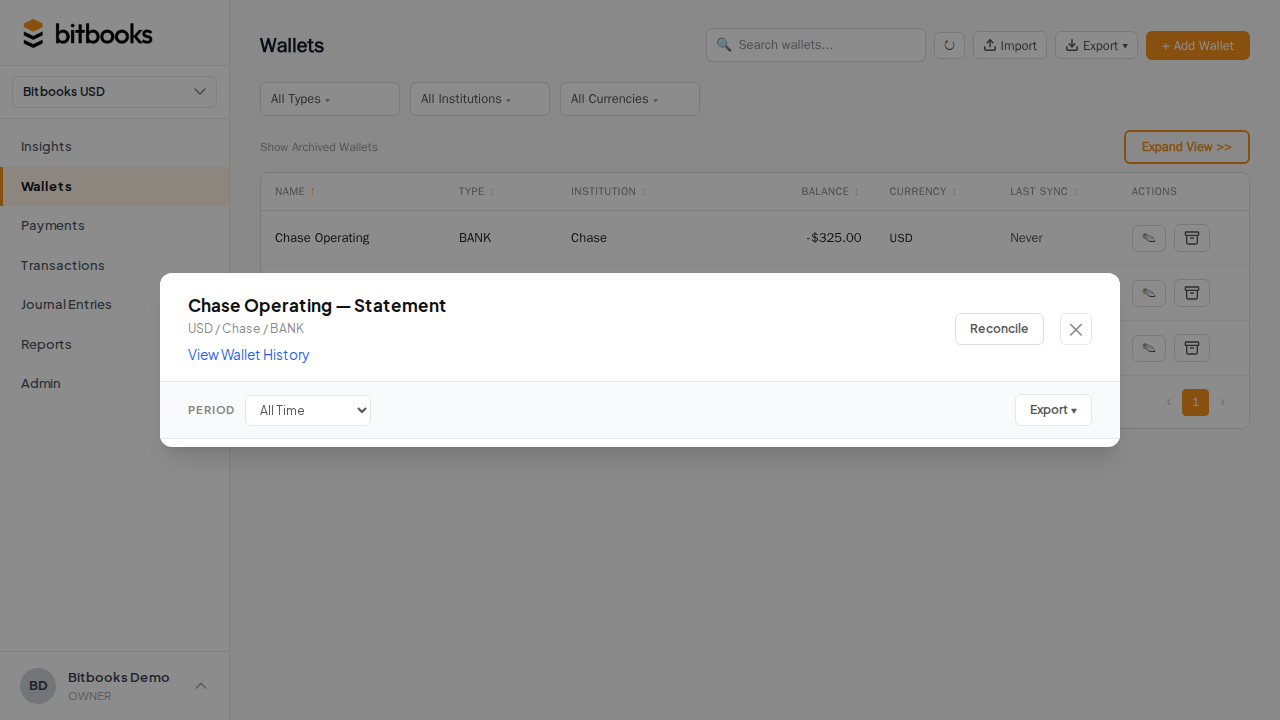
Confirm the disconnect. The wallet's sync status changes to Never (was Synced). New transactions stop importing.
Or from Admin:
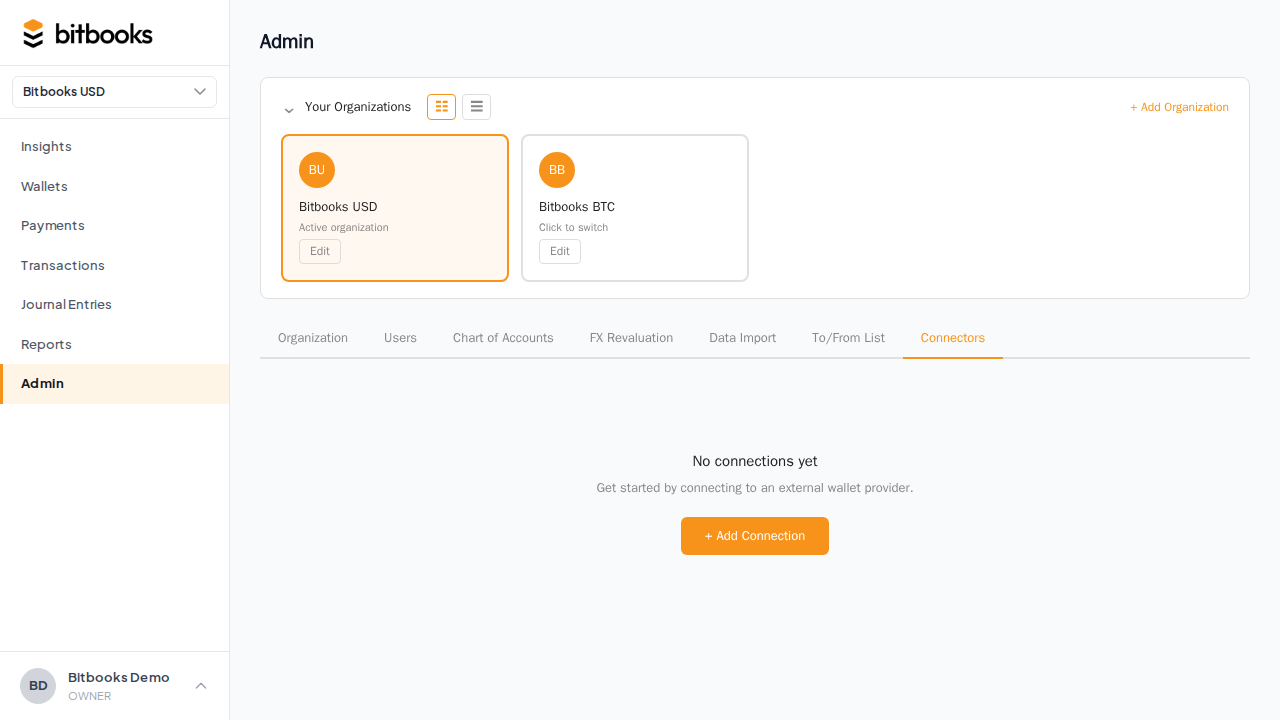
- Admin → Connectors
- Click the wallet in the list
- Click Disconnect
Same result. Use whichever path is closer to where you are.
What survives disconnection
After disconnecting:
- ✅ All historical transactions (Drafts and Posted) stay
- ✅ The wallet's balance is preserved
- ✅ The Chart of Accounts entry stays
- ✅ Reports continue to include this wallet's transactions
- ❌ Auto-sync stops
- ❌ The Bitcoin Connections record (the saved provider credentials) is removed
The wallet now behaves like a manual wallet. You can keep entering transactions by hand, or reconnect later to resume sync.
Reconnecting
To resume sync:
- Admin → Connectors → Add Connection
- Pick the same provider
- Sign in (you may need to redo the provider's auth)
- In the review step, choose Attach to existing wallet (not Create new)
- Pick this wallet
The connection re-attaches. Future transactions auto-import. Past data stays exactly as it was.
What if the credentials at the provider changed?
Common scenario: you rotated your Blink password, or revoked an API key, or the provider invalidated the session. Auto-sync starts failing with an Error status.
The fix:
- Open the wallet
- Click Reconnect (or Disconnect, then Add Connection again)
- Sign in to the provider again
- Attach to existing wallet
This refreshes the credentials. Sync resumes.
If the wallet provider just had a brief outage (their API was temporarily down), you don't need to do anything. Sync will retry on its next schedule and recover.
Re-syncing a wallet's history
Sometimes you want sync to re-pull older history (e.g., you discovered a gap, or the provider released older data).
The standard flow:
- Open the wallet's detail page
- Click Sync Now
Sync Now pulls anything new since the last successful sync. It doesn't re-pull old transactions you already have.
For a true full re-sync (rare, mostly used in support cases), the workaround is:
- Disconnect the wallet
- Note all the manually-entered transactions on this wallet (so you don't lose them)
- Delete or reverse any auto-imported Drafts that are still draft (they'll be re-imported)
- Reconnect, attach to the existing wallet
- Sync Now
The new sync will pull as much history as the provider exposes. Posted transactions in BitBooks are deduped by provider transaction ID, so they won't get duplicated.
If you have specific re-sync needs, contact support before doing this. There may be a cleaner path.
What "Disconnect" doesn't do
- It doesn't delete the wallet. The wallet stays. Only the live link ends.
- It doesn't archive the wallet. Sync stops, but the wallet is still active in dropdowns and reports.
- It doesn't delete past transactions. Everything you've already recorded is yours.
- It doesn't affect other connected wallets. Each connection is independent.
Disconnect vs Archive
| Disconnect | Archive | |
|---|---|---|
| Stops auto-sync | Yes | (was already not syncing) |
| Removes from active dropdowns | No | Yes |
| Keeps transaction history | Yes | Yes |
| Reversible | Yes (reconnect) | Yes (restore) |
| Right answer for "I'm not using this wallet anymore" | First disconnect, then archive | Archive only |
| Right answer for "I want to pause sync briefly" | Disconnect, reconnect when ready | Don't archive |
Common questions
"Will disconnecting log me out of the provider?"
No. Disconnecting from BitBooks doesn't touch your account at Blink (or wherever). The provider keeps your wallet exactly as it is. We just stop talking to them.
"Will my vault password be deleted?"
No. The vault holds credentials for all your connected wallets. Disconnecting one wallet doesn't affect the others. The vault password stays. If you disconnect ALL wallets and don't plan to reconnect, you can reset the vault from the Connectors page.
"What happens to a wallet whose provider went out of business?"
Disconnect. The wallet keeps all its history. You won't be able to reconnect (the provider is gone), so the wallet stays manual from here on. Eventually you might archive it once it's empty and not needed.
Where to go next
- What is a Wallet in BitBooks? for the overall concept
- How Auto-Sync Works for sync mechanics
- Bitcoin Connection Sync Stopped Working for sync error troubleshooting
- Connecting Your Bitcoin Wallet for the connection flow