What spending limits do
Spending limits are rules you set on a wallet that block transactions exceeding a threshold. If someone (or an auto-sync) tries to record a transaction that would violate the limit, BitBooks rejects it before it posts.
The goals:
- Prevent typos. Catching a $50,000 transaction that should have been $5,000 before it pollutes your books
- Limit blast radius. If a team member's account is compromised, an attacker can't drain a wallet to zero through one big entry
- Enforce policy. "No single transaction from the hot wallet over $10,000" becomes an enforced rule, not a hopeful guideline
This is more important for Bitcoin than for traditional banking because Bitcoin transactions are usually irreversible. Once you send sats, they're gone. Limits prevent the catastrophic version of "oops."
Where the limits live
Currently, BitBooks supports an organization-wide approval threshold that applies to all transactions:
- Approval threshold currency (e.g., USD)
- Approval threshold amount (e.g., $10,000)
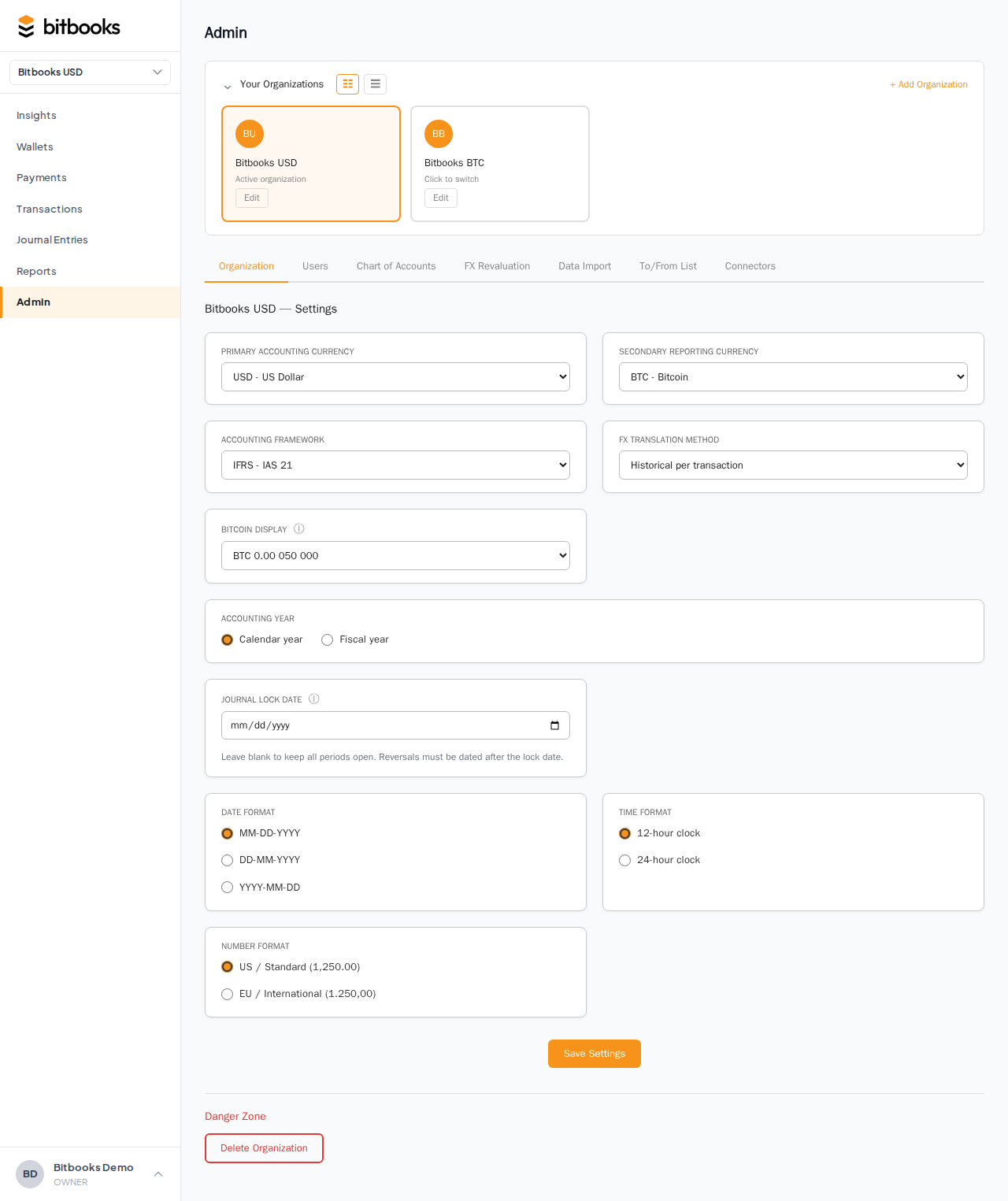
Any transaction at or above this amount triggers an approval requirement before it can post. Set in Admin → Settings.
If you're below the threshold: the transaction posts normally.
If at or above: the transaction lands in a Pending Approval state. An authorized user (Owner, Admin, or Accountant) needs to approve before it becomes Posted.
Per-wallet limits (different thresholds per wallet) and per-day rolling limits are on the roadmap. For now, the org-wide threshold is the lever you have.
How approval works
When a transaction hits the threshold:
- The user fills out the form normally
- They click Save (or Save and post)
- BitBooks sees the amount exceeds the threshold
- The transaction lands as Pending Approval (a status between Draft and Posted)
- Notifications fire to authorized approvers
- An approver opens the transaction, reviews, clicks Approve
- The transaction becomes Posted
If the approver clicks Reject, the transaction is canceled. The submitter is notified and can re-create with corrected fields if needed.
Setting the threshold
- Admin → Settings
- Find Approval Threshold Currency (pick one currency, e.g., USD)
- Find Approval Threshold Amount (e.g., 10000)
- Save
The threshold applies to all transactions, regardless of which wallet's currency they're in. BitBooks converts the transaction's amount to the threshold currency using the rate at the transaction date, and compares.
So a 0.15 BTC transaction at a moment when 1 BTC = $80,000 has a USD-equivalent of $12,000. If your threshold is $10,000 USD, this triggers approval.
Set the threshold to a number that's high enough that day-to-day transactions sail through, but low enough that genuinely-large entries get a second pair of eyes.
Disabling the threshold
To turn off the approval requirement: clear the Approval Threshold Amount (or set it to zero) in Admin → Settings. All transactions then post directly without approval.
This is useful when you have a small team where a single person is doing all the work and approval would just be self-approval.
What approval doesn't do
- It doesn't catch unauthorized small transactions. A pattern of $9,999 transactions stays under the threshold and posts directly. For pattern detection, you'd want monitoring tools beyond simple thresholds.
- It doesn't add friction to auto-sync. Auto-imported transactions land as Drafts. Drafts don't post automatically; you review and post. The approval threshold applies when you (or a team member) tries to post a Draft above the threshold.
- It doesn't prevent disconnection or settings changes. Approval is for transaction posting, not for organization-level changes. Those have their own role-based permission system.
Common questions
"Can I have a threshold per wallet (different rule for hot vs cold)?"
Not yet. The threshold is org-wide. Per-wallet rules are on the roadmap.
"Can I require approval from a specific person, not just anyone in an admin role?"
Not yet. Any user with approval rights can approve. Specific routing (e.g., "the controller approves; the bookkeeper can't") is on the roadmap.
"What if I'm the only person in my org? Approval would just be me approving myself."
Set the threshold to a very high number (or zero) to effectively disable approval. For solo operators, the threshold mostly doesn't help. It becomes meaningful when you have at least two people.
"Will approval slow down auto-sync?"
No. Auto-sync creates Drafts, and Drafts don't trigger approval until you (or a team member) tries to post them. Sync is independent.
"What happens to a Pending-Approval transaction if I leave it forever?"
It sits there. Doesn't auto-post, doesn't auto-reject. Approver decides.
Where to go next
- Inviting Team Members for setting up the team that can approve
- User Roles for which roles have approval rights
- Audit Log to see who approved what and when
- Draft vs Posted for the entry lifecycle including Pending Approval