What duplicates look like
Two (or more) entries with:
- Same date
- Same amount
- Same direction (both money in, or both money out)
- Same wallet
- Possibly different contacts or memos
If you remember the actual event happening only once, you have duplicates.
Why duplicates happen
Most common causes:
Manual entry plus auto-sync
You manually entered a transaction last week. Then auto-sync ran and imported the same transaction. Now there are two: yours plus the auto-import.
This is the #1 source of duplicates. The auto-sync doesn't know about your manual entry; it imports based on the provider's record.
Re-imported CSV
You imported a bank statement CSV. Then the next month's CSV included some overlap. Both imports created entries.
CSV imports usually let you specify a date range to limit; if you didn't, you get overlap.
Auto-sync with a glitch
Rarely, auto-sync runs twice quickly and dedup logic doesn't catch the second pass. Recent versions of BitBooks dedupe by provider transaction ID, so this is rare. Older sync runs may have produced this.
Multiple users entering the same thing
Two team members each entered the same transaction without checking the other. Common in busier teams without coordination.
How to find duplicates
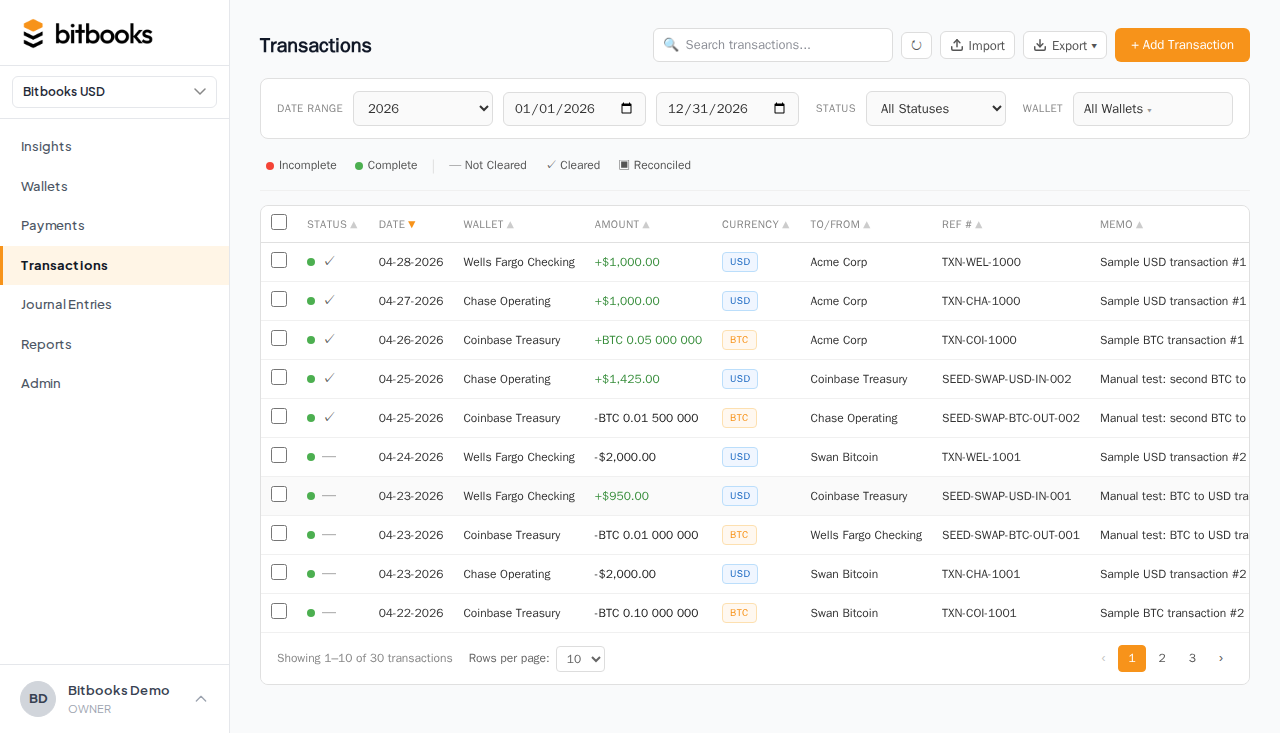
From the Transactions page
- Filter by wallet
- Sort by date (newest first or oldest first)
- Scan for runs of identical-looking entries
Duplicates often cluster: same day, same amount, same direction. Easy to spot when sorted.
From the General Ledger
- Reports → General Ledger
- Filter to the wallet's account
- Look for repeated entries
The GL shows running balance; a duplicate entry doubles the impact, which can be obvious.
From reconciliation
Reconciliation surfaces duplicates automatically. If your wallet has 30 transactions but BitBooks has 32, two of the 32 are likely duplicates.
How to fix duplicates
Three options depending on the duplicate's status:
Both are Drafts
Easiest case. Pick one to keep, delete the other.
For an auto-sync duplicate: delete the manual entry. The auto-import is the fresh source of truth, and the auto-sync will keep producing it.
One is Posted, one is Draft
Delete the Draft. Keep the Posted one.
If the Draft was the auto-import and the Posted was manual: posting the auto-import again would just create more confusion. Delete the auto-import Draft.
Both are Posted
Reverse one of them. Pick the one with worse data quality (less complete contact, unclear memo, less likely to be the "real" record).
The reversal creates a reversing entry that cancels the duplicate. Both stay in the books with a clear audit trail.
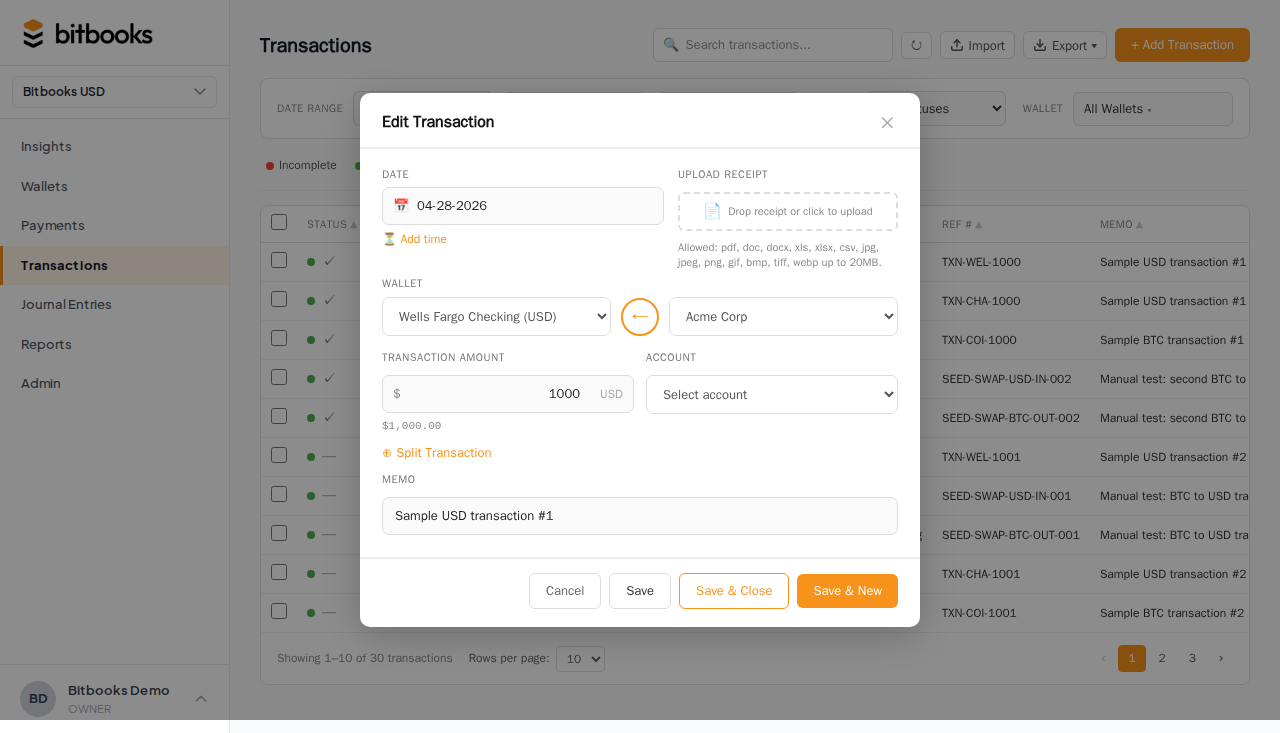
If the duplicate was the auto-import: reversing the auto-import means the next sync may try to re-import it. Watch for that and reverse again if it happens. Or reverse the manual one and let the auto-import be the source of truth going forward.
Preventing future duplicates
Don't double-enter
If a wallet auto-syncs, don't ALSO enter transactions manually. Pick one source.
Use the deduplication keys
When importing CSV, BitBooks deduplicates by transaction ID where the CSV provides one. If your bank's CSV doesn't include unique IDs, deduplication is limited; pick a clean date range to avoid overlap.
Coordinate the team
If multiple people enter transactions, agree on a process: "the Lightning auto-sync handles all Lightning sales; nobody enters Lightning sales manually," or "Brandon does the bookkeeping on Mondays; nobody else touches it those days."
Reconcile monthly
Monthly reconciliation surfaces duplicates within a month, before they multiply. Catch them early.
A worked example
Reconciling Blink for March. You expect 145 transactions, BitBooks has 147.
You scan the Transactions list filtered to Blink, sorted by date. Two pairs of identical entries on March 12 and March 18: same time, same amount, same direction, same memo.
You investigate March 12: a Lightning receive of 8,000 sats. The auto-sync imported it on March 12. You manually entered it on March 13 (you'd seen the Blink notification and assumed it wasn't already in BitBooks).
You delete the manual one (still in Draft status). Now Blink has 146 entries.
Same for March 18. Now Blink has 145 entries. Reconciles.
Time to clean up: 5 minutes.
Common questions
"Can I run a 'find duplicates' report?"
Not as a built-in feature today. The workaround: export the Transactions list to Excel, sort by amount and date, look for adjacent rows with identical values. Pivot tables can help.
A "duplicate detection" feature is on the roadmap.
"What if the duplicate is in a closed period?"
You can't directly delete or edit Posted entries in a closed period. The fix: reverse one of them (the reversal lands in the current period, which is allowed). The closed period's books stay as-is, the current period absorbs the correction.
"My sync keeps creating the same duplicate every day. How do I stop it?"
The provider is providing the same transaction with a different ID each time, defeating dedup. Talk to support; this is a sync bug we want to fix.
Where to go next
- Bulk Posting Drafts for the bulk-action workflow
- Reversing a Posted Entry for the reversal mechanics
- How Auto-Sync Works for sync mechanics including dedup
- Reconciliation for catching duplicates at month-end
- My Wallet Balance Doesn't Match for the balance-side perspective