How to recognize the problem
You see a multi-currency transaction with a rate that doesn't match what you actually got, or doesn't match the market rate for that day:
- A BTC transaction from yesterday at $80,000 per BTC, but the market that day was around $85,000
- A EUR transaction recorded at 1.05 EUR/USD when you remember the rate being 1.08
- A transaction stuck in Pending status because a rate didn't fetch
This article walks through diagnosing and fixing.
Step 1: confirm what rate was used
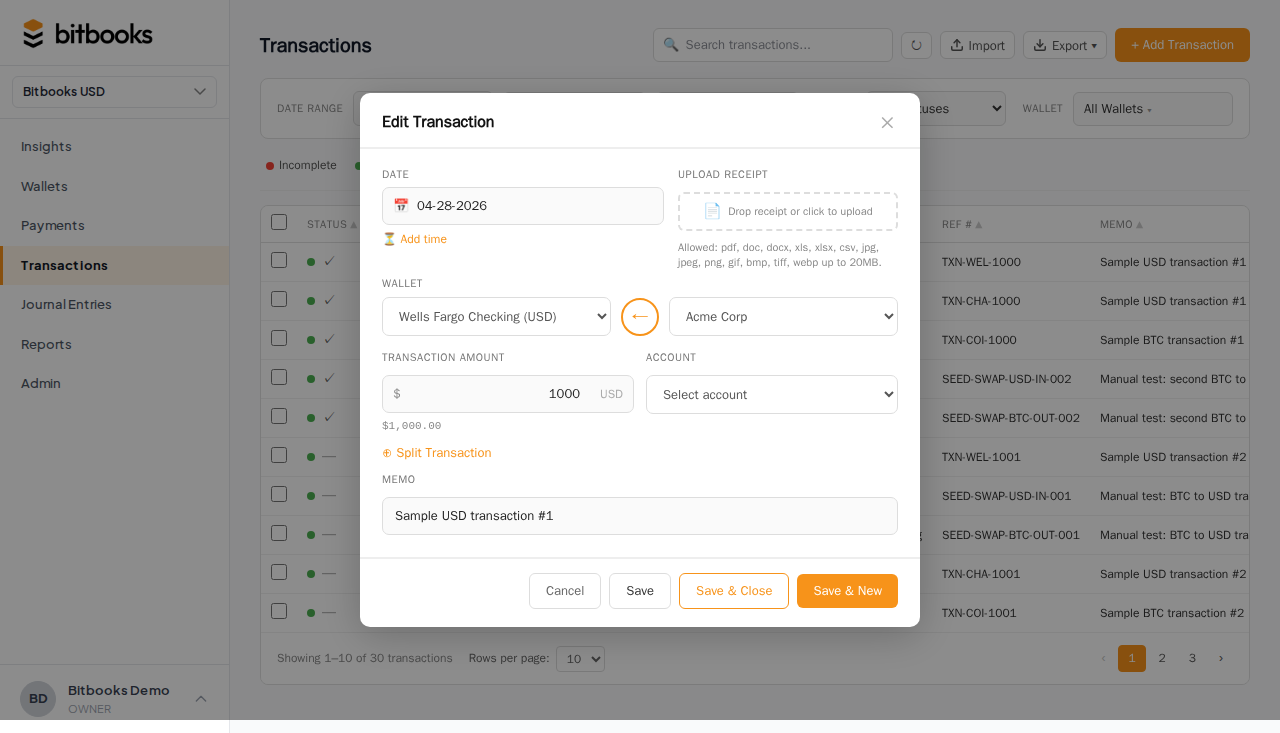
Open the transaction. Click into its detail. Scroll to the line items.
Each line in a multi-currency entry shows:
- The transactional amount and currency
- The functional value
- The exchange rate
- The rate source provider
- The rate timestamp
The rate is what was used. Note the value.
Step 2: confirm what rate it should be
Two ways to check:
Look up the historical rate yourself
For BTC: go to CoinGecko, look up BTC/USD historical price for the transaction's date. Compare.
For fiat: go to Open Exchange Rates' historical page or any reputable rate source. Compare.
If they match, BitBooks used the right rate. The "wrong" rate is just what the market was that day. Move on.
If they differ significantly, continue.
Check the rate provider's data
The rate source provider is shown in the line detail. If BitBooks used "OPEN_EXCHANGE_RATES" but you'd expect a different rate, the issue might be that provider's data for that day was off.
Step 3: decide whether to fix it
Three scenarios:
The rate is just slightly different (rounding cents)
Don't fix. Rounding differences between rate providers are normal. The accounting is fine.
The rate matches the date's market but you got a different actual rate
Common when you trade through an exchange that adds a spread. The "market" rate was $80,000 but you actually paid $80,400 effective rate after fees.
Two options:
- Accept the market rate as recorded. Implicit fee is a $400 difference between cost basis and actual cash out.
- Override with your actual rate. Edit the line, manually set the rate to $80,400 / 1 BTC. The line's functional value updates accordingly.
The second is more accurate but requires you to know your actual rate.
The rate is wildly off (10%+ different from any reasonable market rate)
Probably a provider data issue or a pinned-at-wrong-time problem. Investigate:
- Check the rate timestamp; is it the right time?
- Try fetching the rate from a different provider for that date
- If the issue persists, contact support
How to manually override a rate
For a posted entry, you may need to reverse and re-enter rather than edit (depends on which fields are edit-locked). For a Draft, you can edit directly.
For a Draft journal entry:
- Open the entry
- Click into the multi-currency line
- The rate field is editable; click to change
- Enter the rate you want
- Save
For a posted multi-currency line, the rate is locked. Reverse and re-enter with the correct rate.
"Pending" rates
A rate can be Pending when BitBooks couldn't fetch it at the time of transaction creation. Causes:
- The rate provider's API was down
- A rate-limit throttled us
- The currency pair isn't supported by the provider
- The transaction date is in the future
The line shows "Pending" instead of a value, and the functional total includes a placeholder.
To resolve:
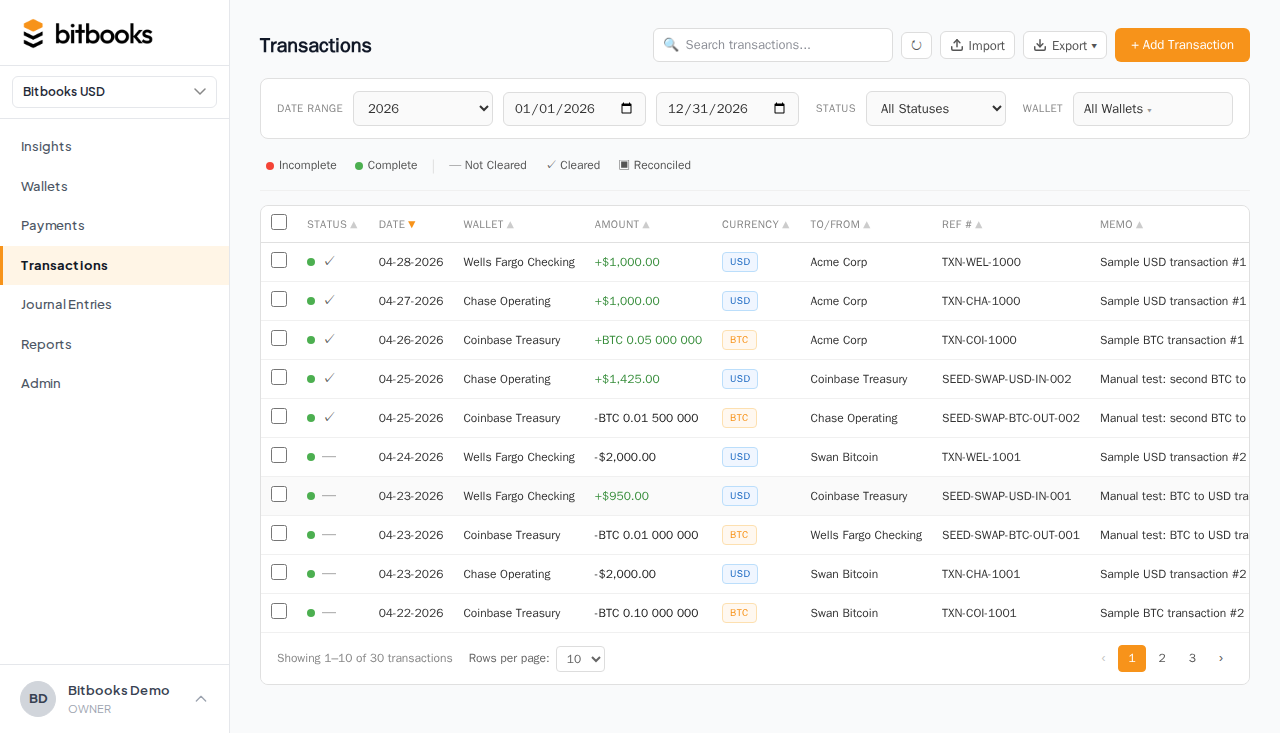
- Click the Retry pending rates banner at the top of the Transactions or Journal Entries page
- BitBooks tries to fetch again
- If successful, the rate fills in and the transaction is recalculated
If retry doesn't work after several attempts, the rate may not be auto-fetchable. Manually enter it (see Manual Override above).
Bulk-fixing wrong rates
If many entries have the wrong rate (e.g., you imported a CSV with stale rates that need to be refreshed):
- Filter Transactions / Journal Entries to the affected period
- Open each entry, fix the rate
- (For Draft entries) re-fetch via "Retry pending rates" if applicable
There's no bulk rate-correction tool in the current UI. For many corrections, contact support; we may have backend tools to help.
Common questions
"Why doesn't BitBooks just use the actual exchange rate from my exchange?"
Because we don't have a real-time feed from every exchange. We use one or two reference providers (Open Exchange Rates for fiat, CoinGecko for BTC). For your actual trade-time rate, you'd manually enter it.
A future version may integrate exchange-specific rate feeds.
"What rate is best for my multi-currency lines: market or actual?"
Depends on the use case:
- For ongoing operational entries (you bought something in EUR while traveling): market rate is fine
- For trade entries (you bought BTC at an exchange, exact rate matters): actual rate
For high-volume trading, accept market rate everywhere and book a separate "Exchange Spread" expense for the difference.
"My BTC rate fluctuated 5% during the day. What's 'the' rate?"
BitBooks uses 5-minute buckets for BTC. The rate at the bucket containing your transaction time is used. So a 14:00 transaction uses the 14:00-14:05 bucket, not the day's average.
If you need a specific intraday rate (e.g., your trade executed at 14:23:17), the closest 5-minute bucket should match closely.
Where to go next
- How Exchange Rates Work in BitBooks for the rate fetching system
- How Currency Conversion Works for the conversion mechanics
- Reversing a Posted Entry for how to fix a posted entry's rate
- The Three-Currency Model for the broader currency framework